Service Commercial AV

Screens and meeting rooms that stay on message

Menu boards that switch from breakfast to lunch on schedule, window displays that keep working if the internet drops, and meeting rooms a visitor can present in without an IT ticket — installed with the cabling behind them.
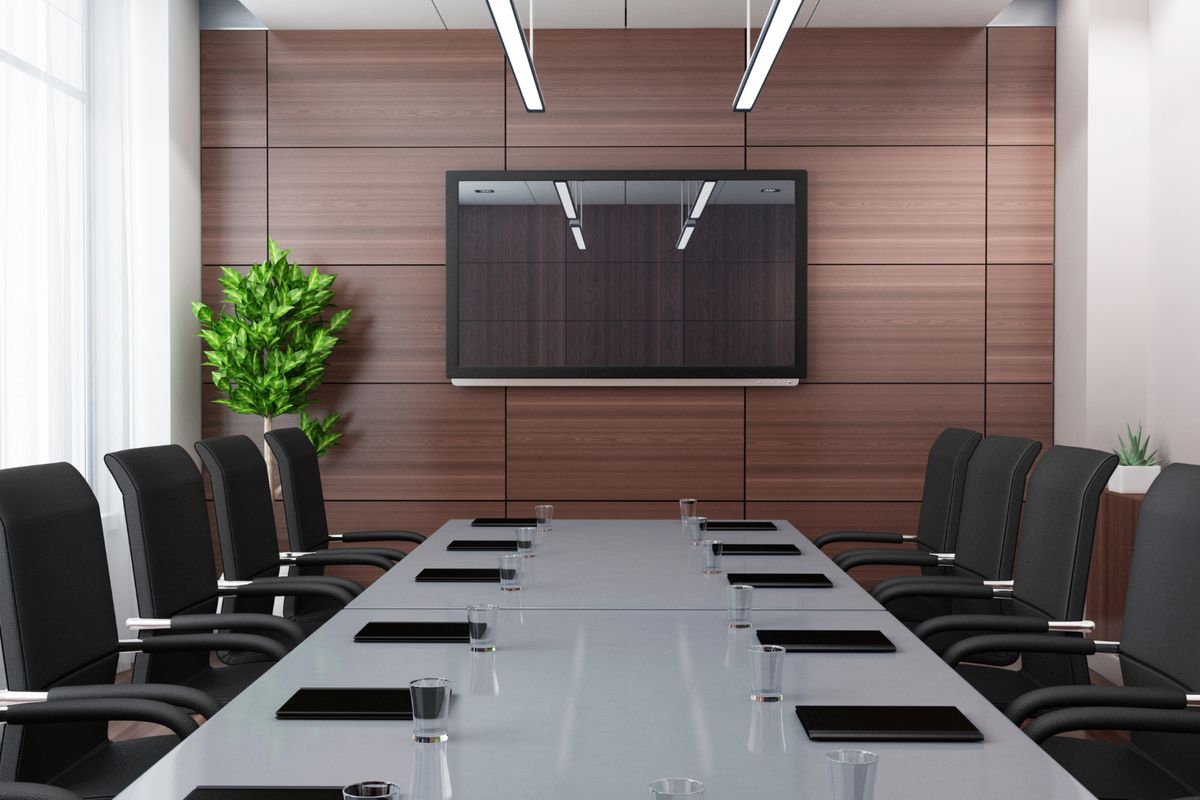
A meeting room with a wall display

A menu board's day — in 20 seconds

Content consoleHead office, one loginMedia playerContent stored locallyMenu boardsDayparts on scheduleWindow displaySells after closeMeeting roomZoom · Teams · BYODMeeting roomZoom · Teams · BYODBreakfastLunchPushed overnightInternet downStill playingPrice changed at HQ.Venues updated overnight.Internet drops at 12:10.Players keep playing locally.Installed and supported by PI NETWORK07:00 — the menu boards show breakfastCommercial panels mounted properly, cabling hidden11:00 — the schedule switches every screen to lunchNo one walks to a screen with a USB stickA price changes once at head office and reaches every venue overnightOne console for every siteThe internet drops — the screens keep playingContent lives on the player; updates sync when the link returnsThe meeting room: a visitor plugs in and presentsRooms certified for Zoom, Teams, Meet and Webex; one number for all of it
  1. BreakfastMenu boards and window displays running from local players.
  2. Daypart switch11:00 — every screen moves to lunch on schedule.
  3. Change onceA price or promotion pushed from head office to every venue.
  4. Internet dropsScreens keep playing; nothing goes dark at lunchtime.
  5. Meeting roomBYOD plug-and-play; supported by PI NETWORK with the screens.
20-second walk-through. Replay any time.

Who it is for

Operators whose screens are the first thing customers see — and offices whose meeting room is the first thing a client sees. Usually the request is a dark menu board in the lunch rush or a room nobody can dial into.

What we are usually called about

  • A menu board goes dark and nobody knows who installed it
  • Prices change and someone drives to each store with a USB stick
  • The meeting room needs an adaptor, a password and ten minutes before every call
  • Screens were bought ad hoc and no two sites match
  • Cabling behind the screen was an afterthought and the wall is now closed

What we provide

Digital menu boards and window displays

Commercial-grade panels mounted properly, with content stored on the player so scheduled playlists keep running if the internet drops.

Video walls

Multi-panel walls for venues and foyers, with the cabling hidden behind them and the players managed centrally.

Central content management

Change a price or promotion once and push it to every screen at every site overnight, from one console.

Meeting rooms and conferencing

4K cameras with auto-framing, beamforming microphones and room kits certified for Zoom, Teams, Meet and Webex, with BYOD for visitors.

Room control and booking

Room panels and booking tied to Google, Outlook and Exchange calendars.

Managed or self-managed

Run the content yourself or have us manage it, and switch between the two; no lock-in contract on the content service.

What shapes the solution

What we confirm before quoting:

  • Where the screens go and what they show. Viewing distance, ambient light and content type set panel size and brightness.
  • Who updates content. Whether your team manages playlists or we do, and how often menus change.
  • Cabling and power at the position. Data and power have to reach the screen; we plan it before the wall closes.
  • Meeting platform. Which service your business uses and whether visitors need to join from their own devices.
  • Number of sites. A fleet is specified once so every venue matches and spares are interchangeable.

How we deliver — or take over

Survey

Positions, sightlines, cabling paths and content needs confirmed.

Cabling and mounts

Data and power run to each position; mounts installed with the build.

Screens and players

Panels, players and room kits installed and connected to the content console.

Content and hand over

Playlists and schedules loaded; your team shown how to update them.

Taking over an existing setup

Existing screens and players can usually be brought onto the central console if they are commercial-grade and still supported; consumer TVs and unsupported players are quoted for replacement. Meeting rooms are assessed room by room.

Common questions

Do the screens keep working if the internet drops?
Yes. Content is stored on the player, so scheduled playlists keep playing; updates sync when the connection returns.
Can we manage the content ourselves?
Yes, from the central console, or have us manage it. You can change the arrangement at any time.
Which platforms do the meeting rooms support?
Rooms are certified for Zoom, Teams, Google Meet and Webex, and a visitor can present from their own laptop over BYOD.
Who installs the cabling behind the screens?
Our cabling crew, as part of the same project, before the screens go on the wall.

Discuss your project

Tell us the site, what has to work and when. An engineer will come back to you within one business day.
Discuss your project