Install it when one of our engineers asks to connect to your device. Only run it while you are on a call with us.
PRD is a remote-control service hosted on the PI NETWORK server. Please download it on your device to allow our support agent to directly connect and make necessary modifications, ensuring a smooth setup or troubleshooting experience.
1. Click the Apple menu in the top-left corner.
2. Choose About This Mac.
3. Check the Processor or Chip information:
If it says Apple M1, M2, M3, etc. → Your Mac is ARM64 (Apple Silicon).
If it says Intel (e.g., Intel Core i5, i7, i9) → Your Mac is x64 (Intel-based).
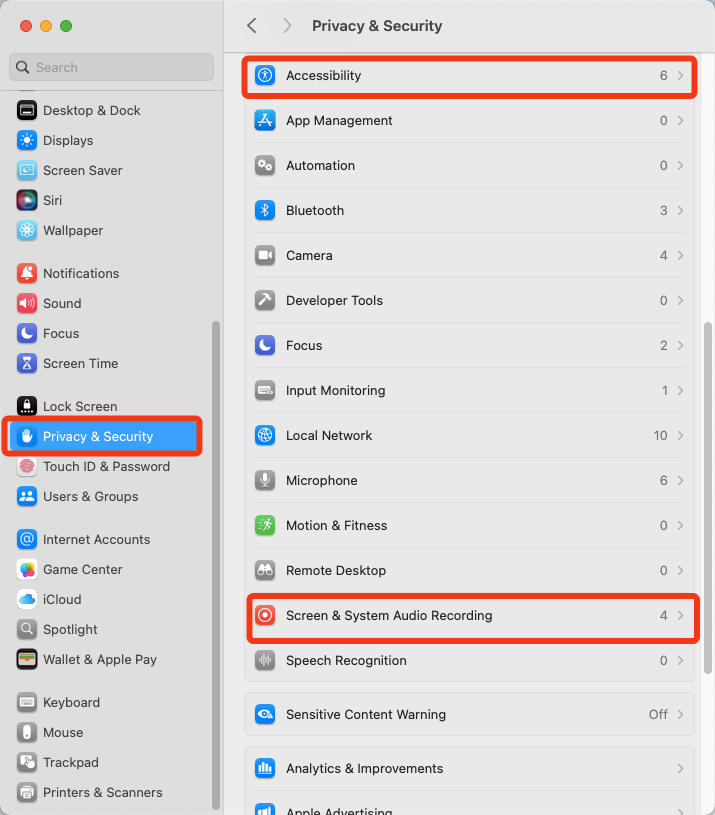
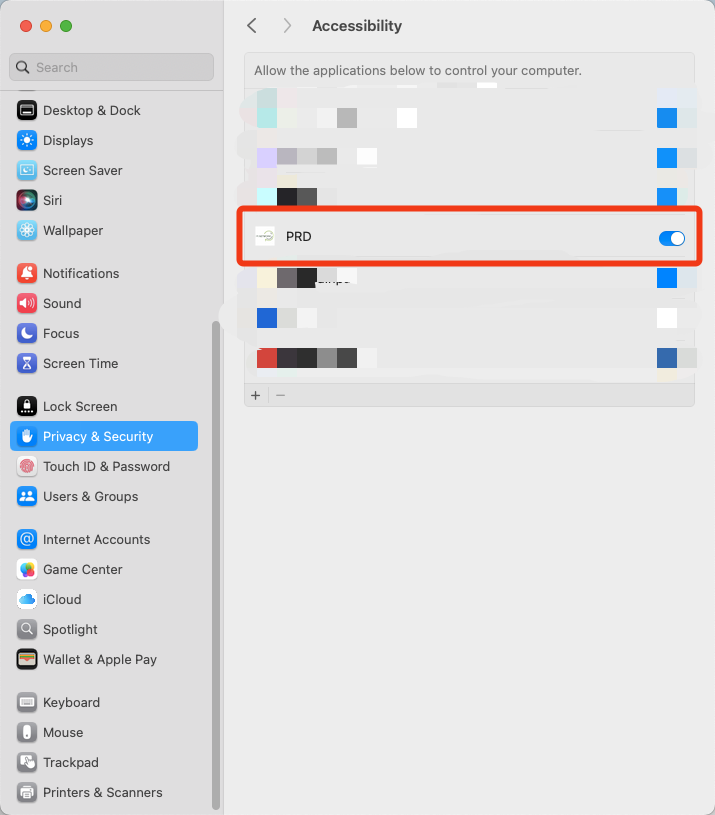
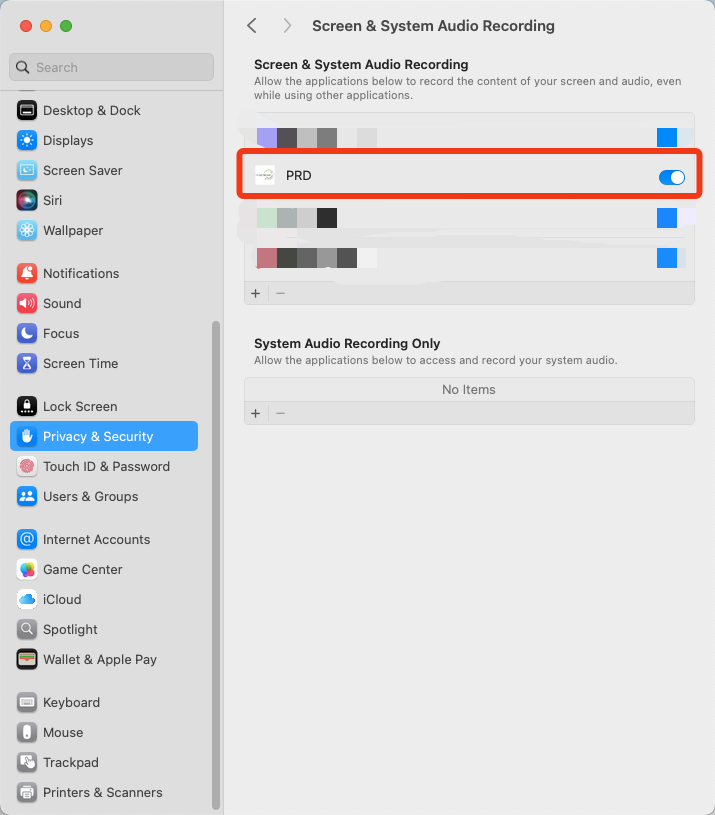
1. Go to Settings > Privacy & Security, find Accessibility and Screen & Security Audio Recording
2. Locate and grant permission to PRD